What is ‘My Programme’?
“My Programme” is a simple tool that allows you to put together your own conference programme. It enables you to select programme items such as forums, plenary sessions, get-togethers, etc., which you would like to attend. “My Programme” gives you an overview of all the events relevant to you during the conference, which you can also add to your personal calendar. At the same time, it gives you the opportunity to exchange ideas with the speakers in a session and actively submit questions before the event. Only registered participants and speakers can use this feature.
Why should I use ‘My Programme’?
“My Programme” not only provides you with a personalised overview, but is also taken into account in the internal planning of our conference. For example, it helps with room allocation – if a large number of participants add an event to “My Programme”, the size and seating capacity of the venue will be adjusted accordingly. By putting together your personal programme, you are therefore helping to ensure that our conference caters to your interests and that the topics are given the right platform.
Furthermore, via “My Programme” you can register for programme items with a limited number of participants. By adding an item to your programme, you are automatically registered for that event.
This also has the advantage that there is no longer any need to produce thick conference documents, as each participant can keep track of their chosen programme items in their personal calendar. In this way, we are also making a contribution to sustainability.
Furthermore, ‘My Programme’ gives you the opportunity to actively contribute questions or suggestions to the preparation of a session and thus engage in dialogue with the speakers.
How do I use ‘My Programme’?
Log in
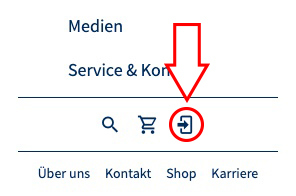
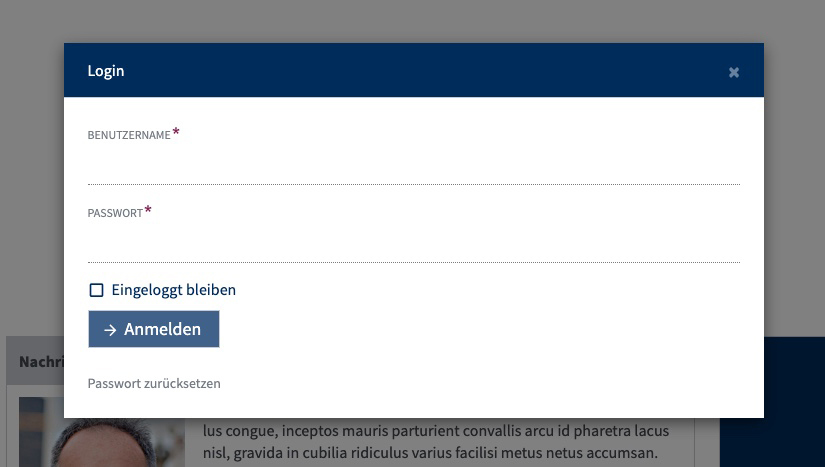
When you register for the conference via our online shop, your login details will be generated. You will receive these by email no later than one week before the conference. You can log in by clicking the login icon in the left-hand navigation bar and entering your username and password.
Add and remove programme items
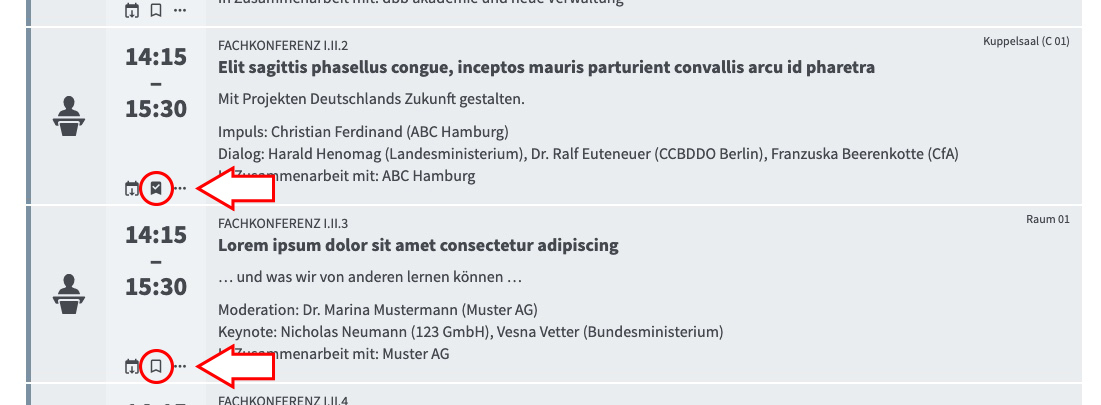
If you now click on the flags for the individual sessions, you can add the individual programme items by clicking on the flag in the left-hand section of the programme item. If you click on the flag again, the event item will be removed from your programme.
Programme overview
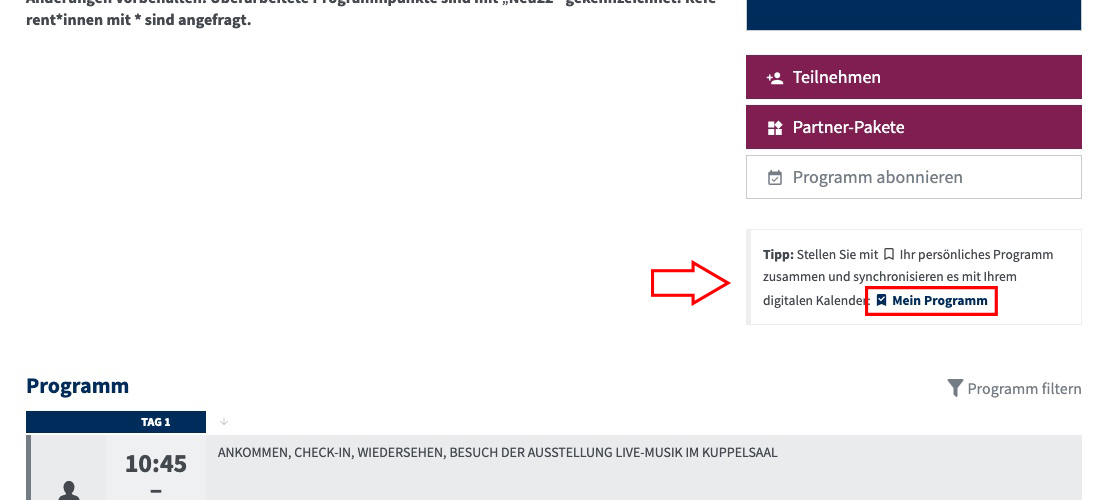
In the right-hand navigation bar, under ‘My Programme’, you can view all the programme items you have added.
Add my programme to my personal calendar
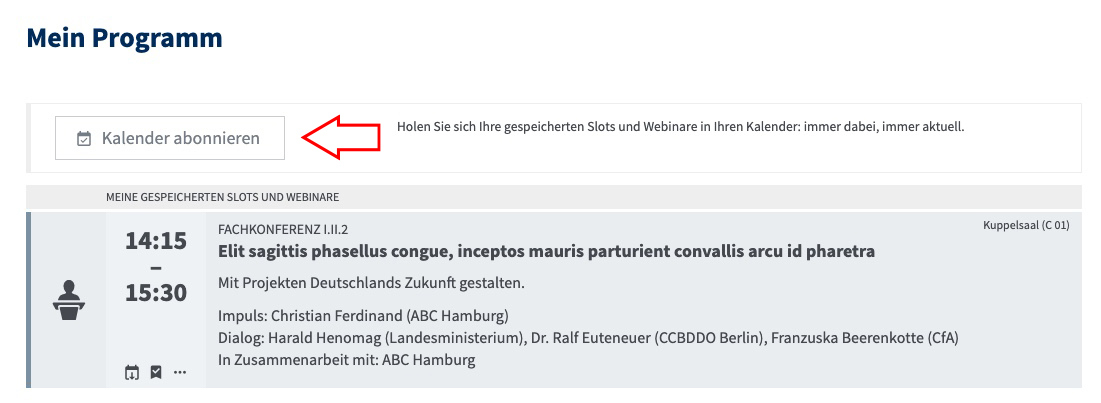
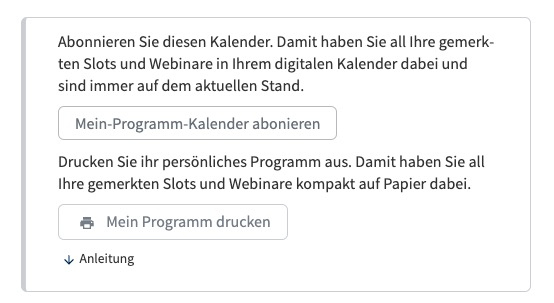
To add the programme you have put together to your personal calendar, click on ‘Subscribe to calendar’ after clicking on ‘My programme’. You can then copy the link and paste it into your personal calendar.
My programme – Interaction with speakers
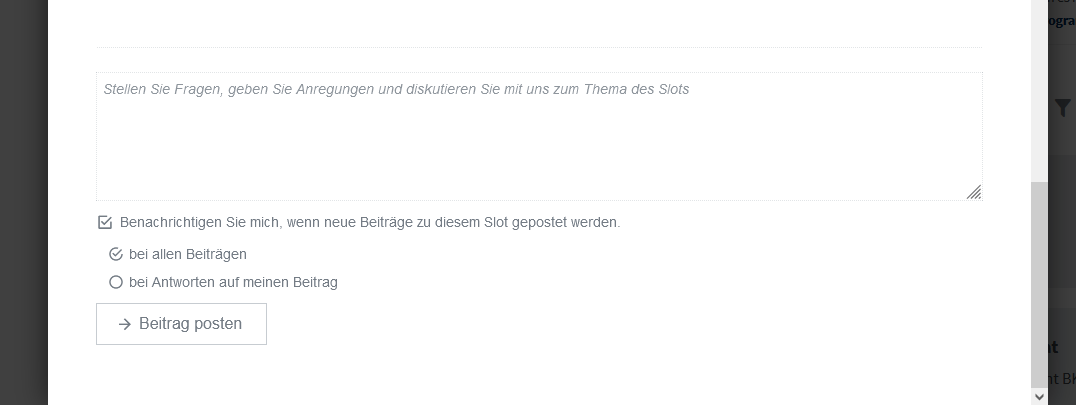
Once you have put together your “My Programme”, you can click on a selected session and scroll down to get in touch with the speakers. Here you can send questions and suggestions to help the speakers prepare for the session and thus play an active part in shaping it.